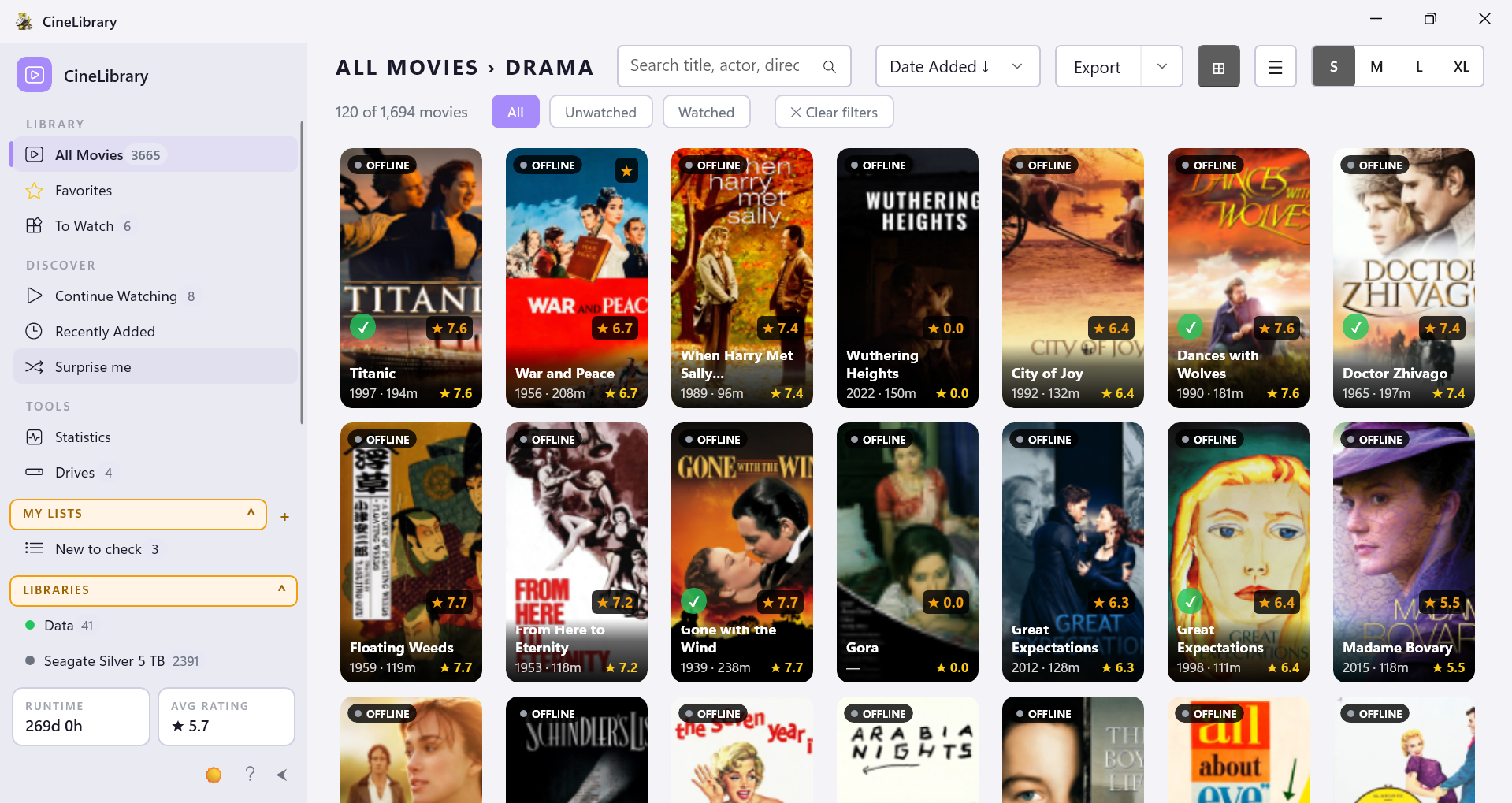
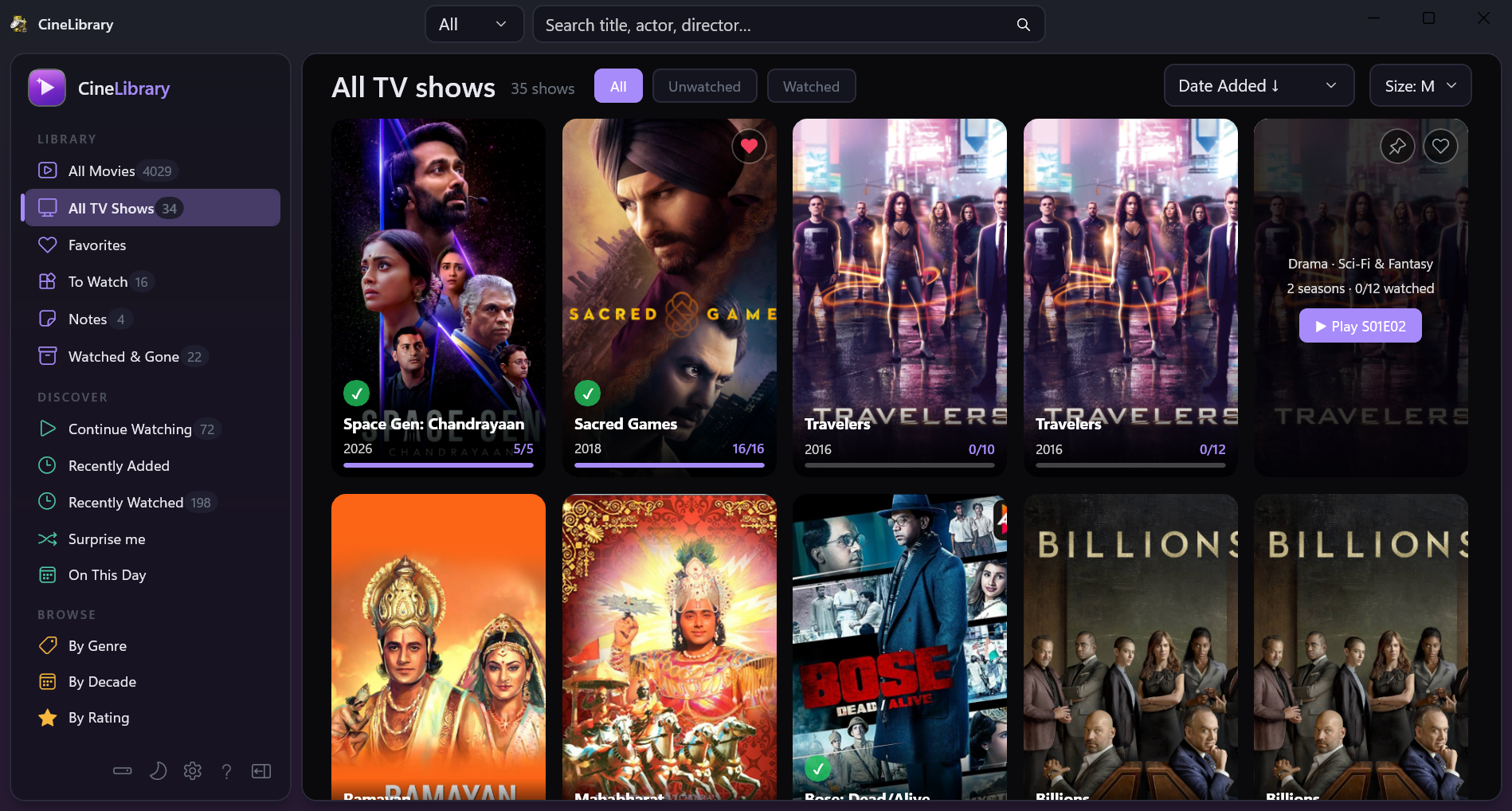
Native Windows catalog for your MediaElch-scraped movies and TV shows. Browse, search, filter, and play across any number of external drives. Fast, offline, portable.
Everything CineLibrary Essentials writes now shows, your whole library can get its IMDb ratings, and fetched pictures go onto your drives.
.nomedia in a folder and CineLibrary skips it and everything inside, as Kodi does. Handy for old episodes whose .nfo calls them movies.Sorry: 4.6.0 could leave a show several times over, the old copies marked Missing, after its seasons were brought together into one show. 4.6.1 puts it right on the next Update, and nothing you marked is lost.
.nfo files with only a TMDb id get their IMDb id from TMDb first..nfo, changing only the ratings: on connected drives now, on the others when you plug them in..nfo files beside your own, and Reload from .nfo to see an edit from CineLibrary Essentials at once..nfo marks as default, as in Kodi, every source counts out of 10, and TV show cards take the page's size.Season 01, Season 02 or Specials folders, with their .nfo details and thumbnails, are found. After updating, open Drives and click Rescan..nfo, so the drive stays the source of truth and a rescan can't lose your fill-ins.WinUI 3 + C#. Cold start under a second. Scrolling through 1,000+ posters stays smooth thanks to an LRU image cache.
Index a USB drive, unplug it, and its movies fade to "offline" instead of vanishing. Plug it back in and they wake up via WM_DEVICECHANGE.
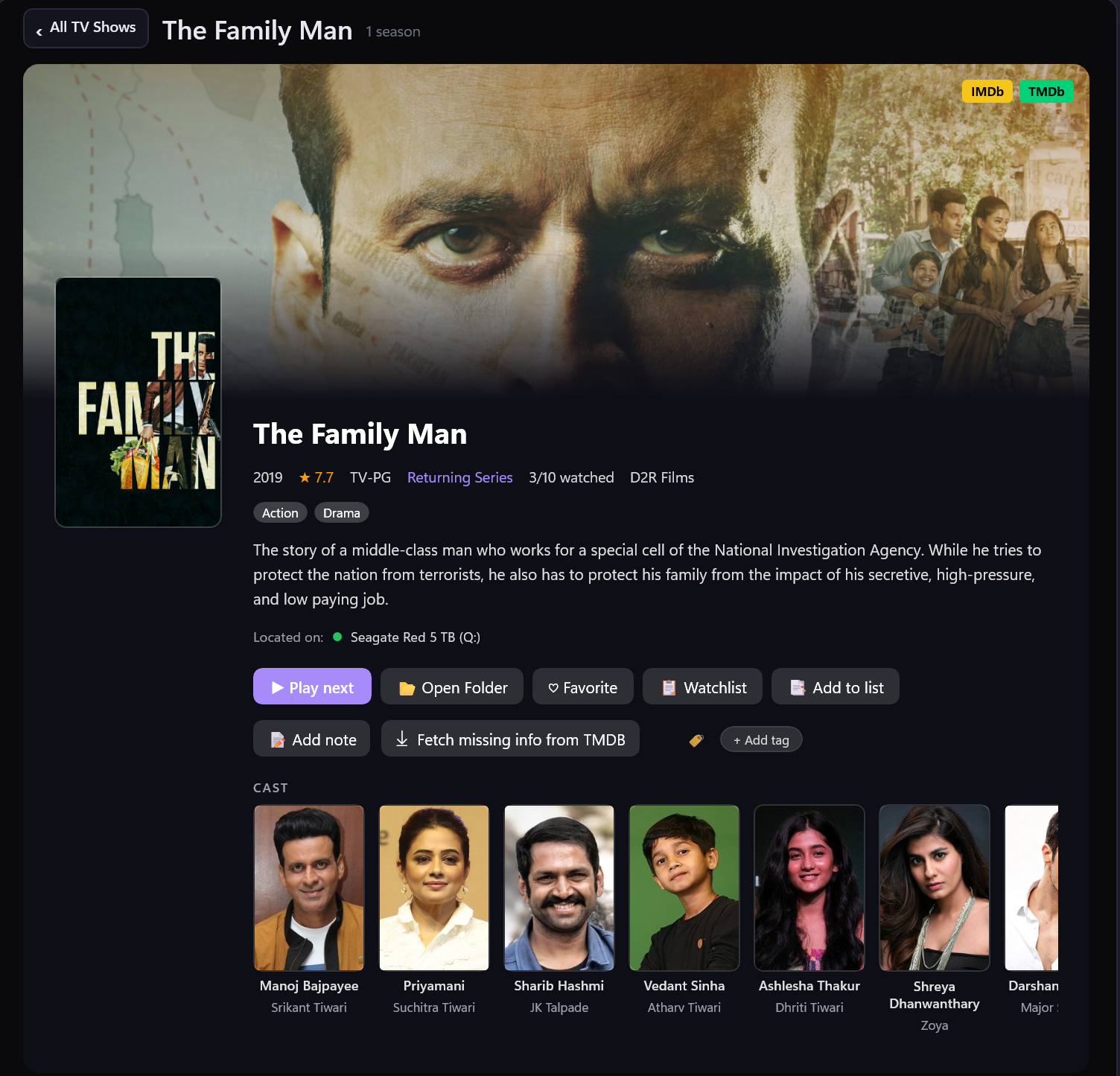
Reads .nfo + poster/fanart files alongside your videos. No re-scraping, no duplicate metadata.
Install anywhere: external drive, USB stick, Documents. Library data lives next to the exe. No telemetry.
Theme-aware design, follows system theme by default. Mica backdrop on Windows 11.
Checks GitHub for new releases on startup. Shows a quiet toast. It never installs silently and never nags.
 aungkokomm