A fast, private, local-first notebook for Windows 10 and 11 — a two-pane workspace for rich notes and OCR-searchable screenshot threads, with a Myanmar-aware search that actually finds what you wrote. No account, no cloud, no telemetry. Your notes stay yours.
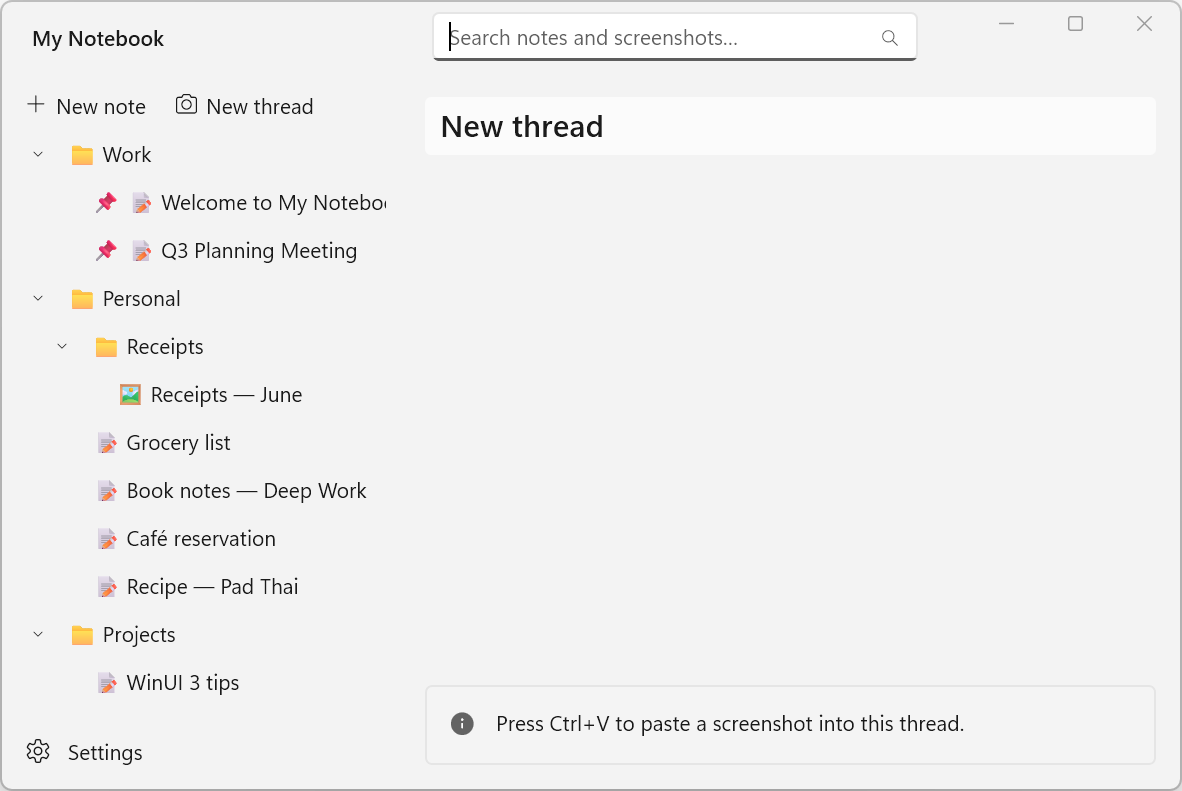
Everything lives in a portable Data/ folder next to the app — copy it to a USB stick, back it up as a .zip, sync it your own way. No sign-in, no cloud, no telemetry.
A hybrid full-text + trigram index finds a word in the middle of spaceless Myanmar text, partial words, and even the text inside your screenshots — with operators, ranking, and jump-to-match.
Paste a screenshot and it lands inline at full resolution. Every one is OCR-indexed, drag-to-reorder, opens in a 100% floating viewer, and exports in a click.
OneNote-style notebooks (Chemistry, Physics…) each with their own color-coded folders, a joined folders + note-list drawer you can collapse either side of, multi-select bulk actions, drag-to-folder, and a Timeline to browse by date.
Headings, lists, checklists, highlight, color, fonts, and page styles. Paste a whole web article and keep the formatting and images — pulled in so the note stays offline — plus [[wiki-links]] and backlinks.
Light/dark plus eight color themes that recolor the whole UI with an intensity dial, custom page colors and rule lines, and a distraction-free focus mode.
Export to PDF, Word .docx, or a self-contained web page. Read notes aloud, record audio, and rely on automatic version history with restore and .zip backup.
Data/ folder next to the app.Runs from any folder — your whole library is the Data/ folder. It isn't code-signed, so if SmartScreen warns you, click More info, then Run anyway.
Copy or zip the Data/ folder to back up or move everything, and automatic version history lets you restore an earlier version of a note.
Runs on 64-bit Windows 10 and 11. Built with C# / WinUI 3 on .NET 10.
 aungkokomm